
 Connect OpenCode
Use your Straitly key in the OpenCode app and in the terminal (opencode). One paste sets up both, and the models you pick show up in OpenCode’s model menu.
- Have ready
- OpenCode installed, plus curl and python3 in your terminal. The screenshots follow macOS.
- What changes
- The Straitly provider in ~/.config/opencode/opencode.json. Your key is stored separately in OpenCode's key storage.
Keep copied keys and setup commands private.
Before you start
The command in step 3 creates a key for you, or uses one you already have. You need the OpenCode app or opencode installed.
Setup
1. Pick your models
These are the models you will see in OpenCode. The first one is picked when it opens.
Price per million tokens, input / output. Only models that can run OpenCode are listed.
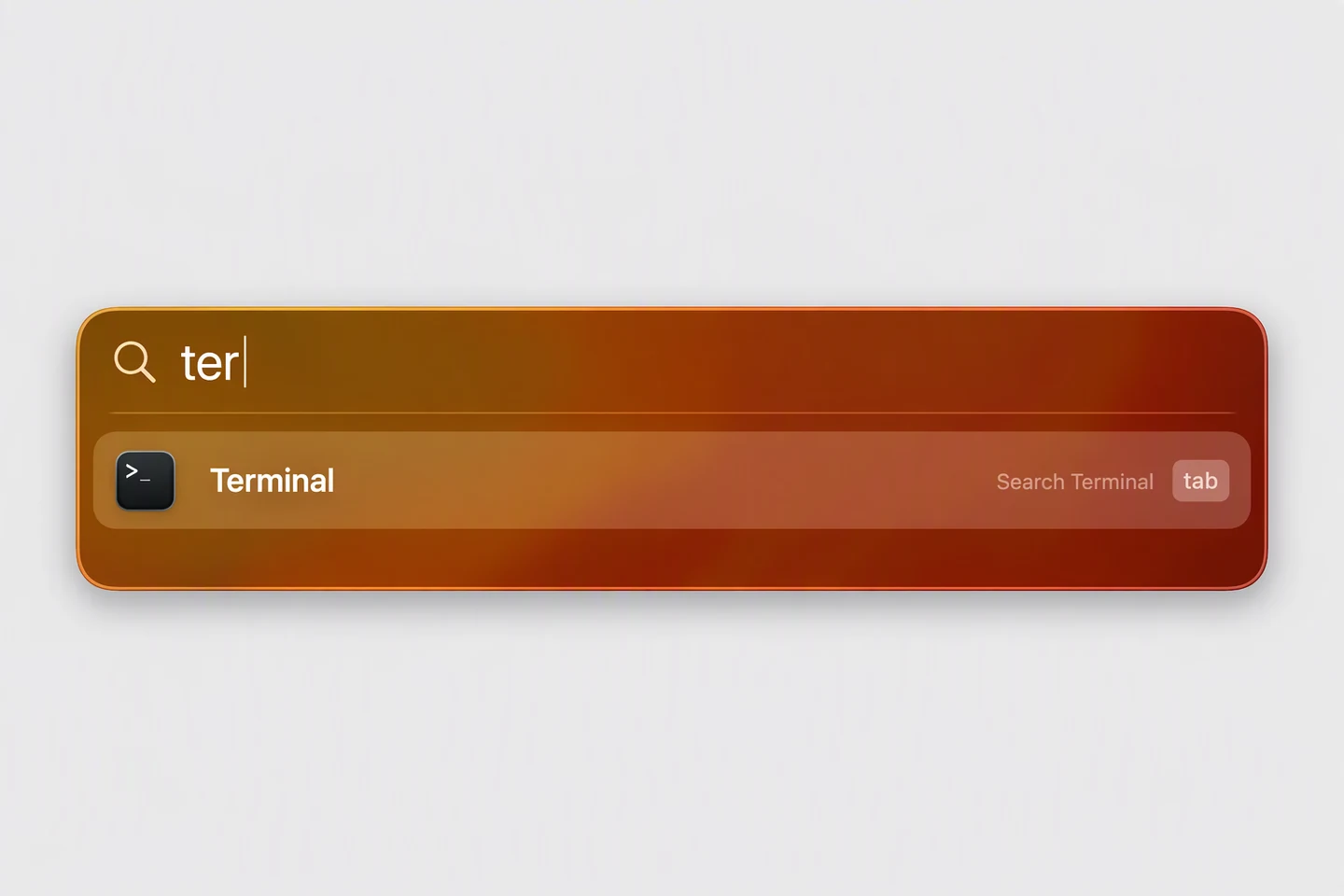
2. Open Terminal
Press ⌘ Space, type Terminal and press Enter.
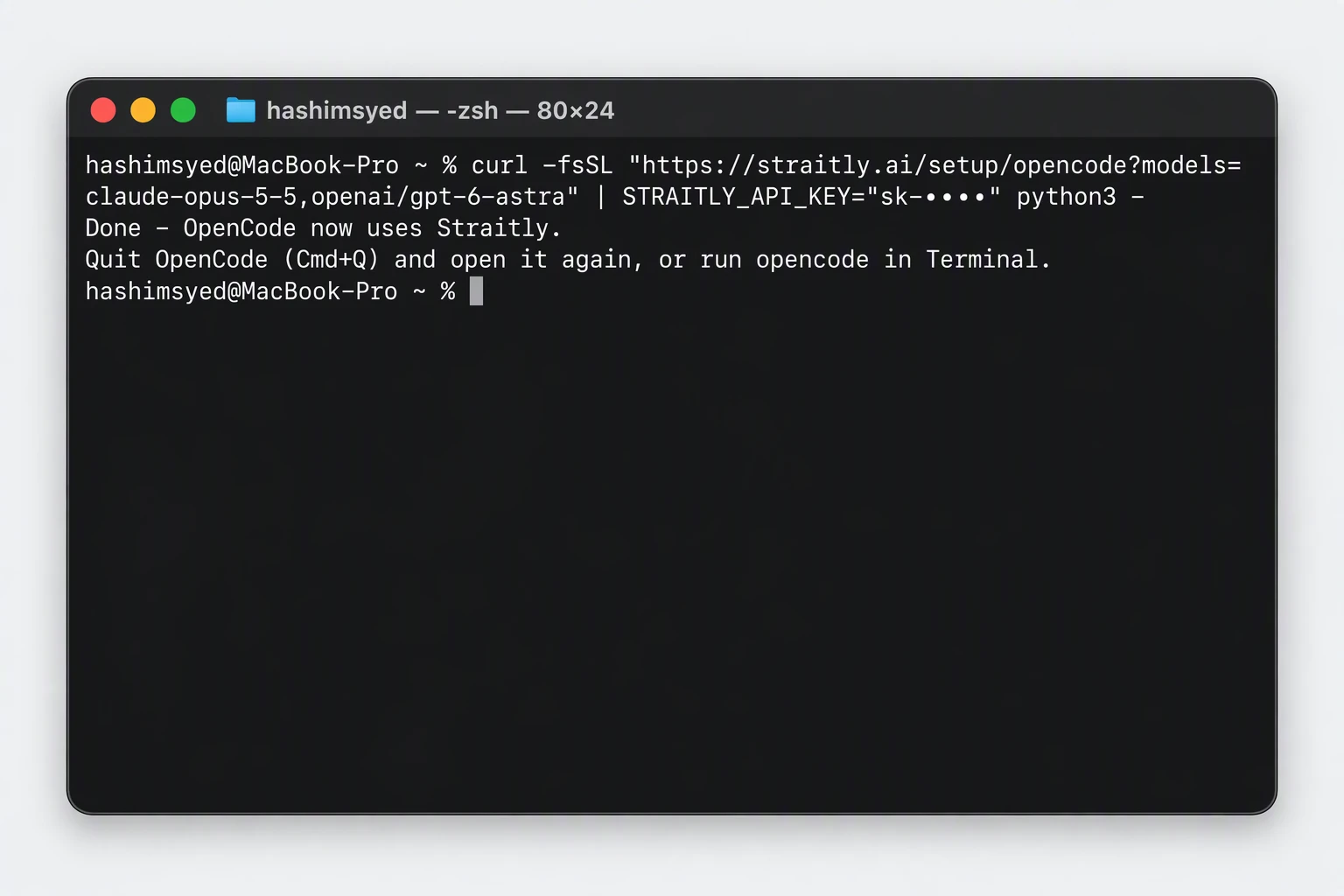
3. Paste the command
Copy it, paste it into Terminal and press Enter. You should see Done - OpenCode now uses Straitly.
It adds Straitly to ~/.config/opencode/opencode.json and keeps everything else in it. Your key goes where OpenCode keeps its keys, not in that file.
4. Restart OpenCode
Quit the OpenCode app with ⌘ Q and open it again, then click New session. In the terminal, type opencode and press Enter. Your first model is already picked.
5. Pick a model
Click the model name under the message box. Your models are in the Straitly group. In the terminal, type /models instead.
6. Send a message
Say anything. If OpenCode answers, you are done.
Change your models later
Pick again in step 1 and paste the new command. It replaces the list. Restart OpenCode afterwards. Every id is on the models page.
Verify your connection
Restart OpenCode, start a new session, and choose a model in the Straitly group. Send a short message and check Straitly Activity.
Open request activity to check the model, status, and charge for your test request.
Setup checks
The Straitly group is missing
Check for the Done message, quit and reopen OpenCode, then start a new session. In the terminal, open /models.
Your selected models are out of date
Update the selection on this page, copy the new command, and run it again. Restart OpenCode afterwards.
If the request is rejected, check your balance and key limits in Errors & limits.
Undo
This takes Straitly out of OpenCode and leaves the rest of your settings as they are:
curl -fsSL https://straitly.ai/setup/opencode | STRAITLY_UNDO=1 python3 -
The first paste also saved a copy of each file it changed, next to it, ending in .before-straitly.