
 Connect Codex
Use your Straitly key in the Codex app and the Codex CLI. One paste sets up both, and the models you pick show up in Codex’s model menu.
- Have ready
- The Codex app or CLI installed, plus curl and python3 in your terminal. The screenshots follow macOS.
- What changes
- The Straitly connection in ~/.codex/config.toml and your model list in ~/.codex/straitly-models.json.
Keep copied keys and setup commands private.
Before you start
The command in step 3 creates a key for you, or uses one you already have. You need the Codex app or the Codex CLI installed.
Setup
1. Pick your models
These are the models you will see in Codex. The first one is picked when it opens.
Price per million tokens, input / output. Only models that can run Codex are listed.
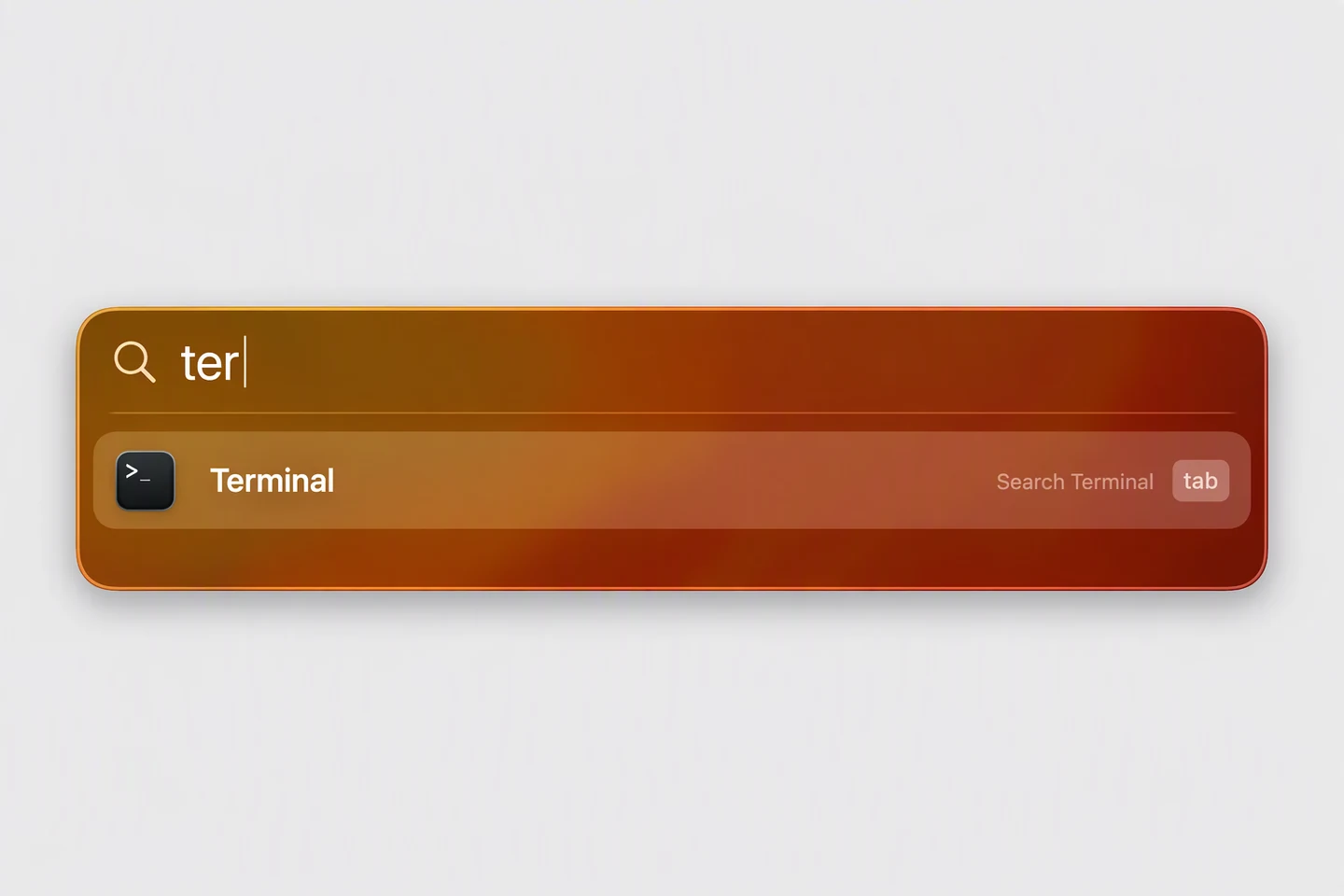
2. Open Terminal
Press ⌘ Space, type Terminal and press Enter.
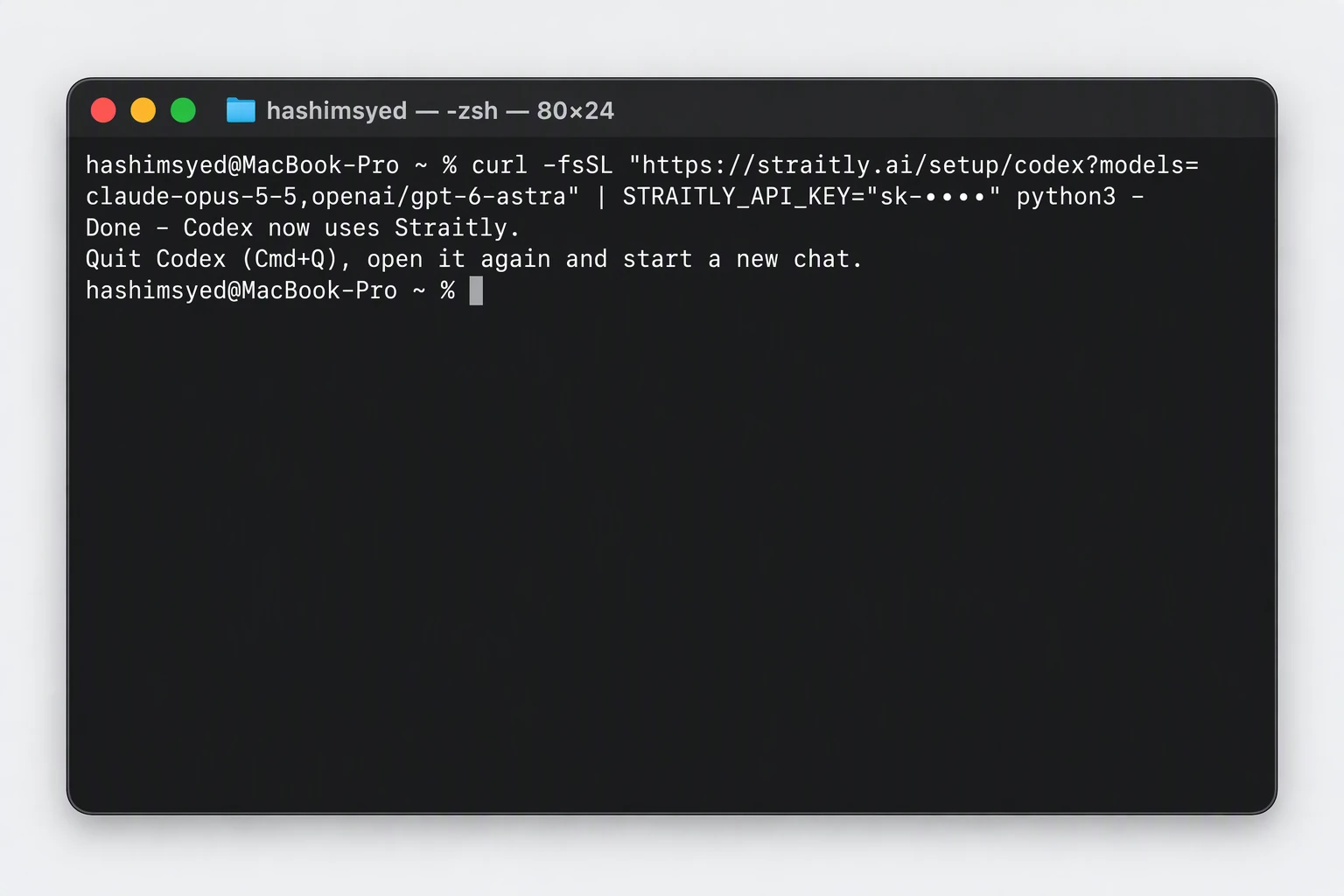
3. Paste the command
Copy it, paste it into Terminal and press Enter. You should see Done - Codex now uses Straitly.
It adds Straitly to ~/.codex/config.toml and keeps everything else in it, and writes your model list to ~/.codex/straitly-models.json.
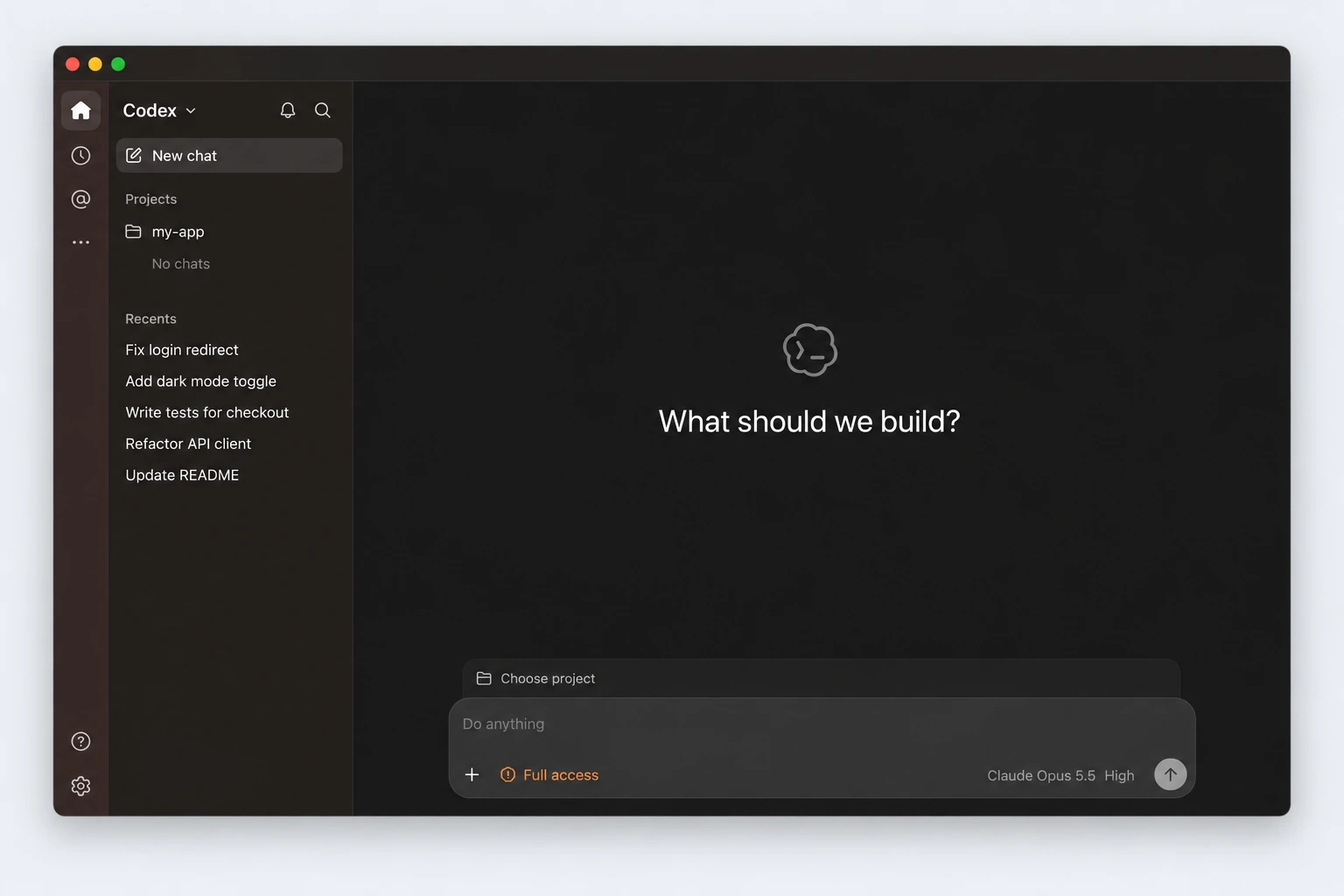
4. Restart Codex and start a new chat
Quit Codex with ⌘ Q and open it again, then click New chat. Chats started before the paste stay on the old models. The model name at the bottom right is now one of yours.
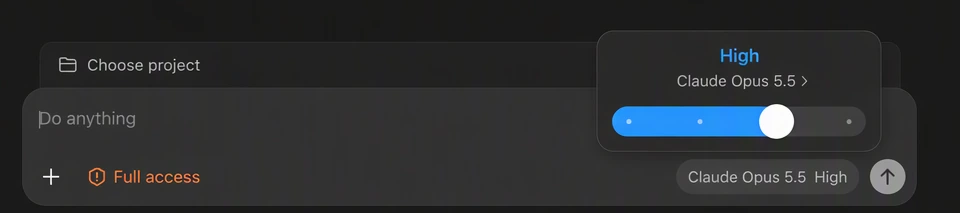
5. Pick a model
Click the model name at the bottom right. The slider sets how hard the model thinks. Click the model name above the slider to see your list.
6. Send a message
Say anything. If Codex answers, you are done.
Codex in the terminal
The same paste sets up the CLI. Type codex and press Enter, then type /model to switch models.
Change your models later
Pick again in step 1 and paste the new command. It replaces the list. Restart Codex afterwards. Every id is on the models page.
Verify your connection
Restart Codex and start a new chat. Choose a model from your list and send a short message, then check Straitly Activity.
Open request activity to check the model, status, and charge for your test request.
Setup checks
A chat still uses the old model
Create a new chat after restarting Codex. Chats that were started before setup keep their previous model settings.
The command stops before Done
Read the terminal error before continuing. Confirm Codex is installed and curl and python3 are available, then retry the setup command.
If the request is rejected, check your balance and key limits in Errors & limits.
Undo
The first paste saves a copy of your old settings. To go back, run:
cp ~/.codex/config.toml.before-straitly ~/.codex/config.toml
If you had no Codex settings before, delete ~/.codex/config.toml instead. Then restart Codex.